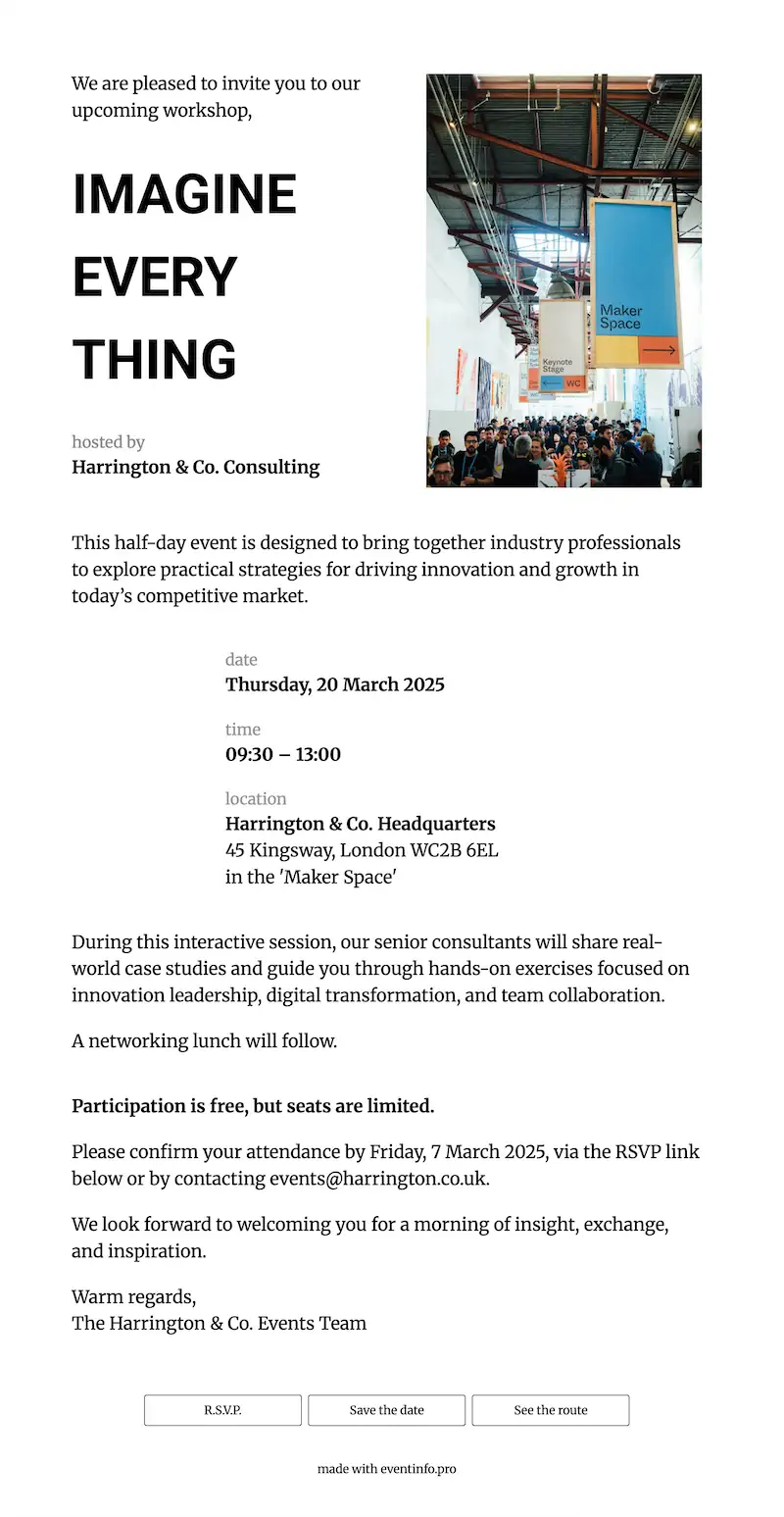
HR teams and communications departments use Eventinfo.pro for townhalls, onboarding sessions, product launches and client evenings. Your attendees get one clear link with the date, venue, directions and RSVP form — shareable by email, LinkedIn or your company intranet.
Design your business invitation in a few steps, or browse our business invitation examples for inspiration.
A clear, professional event page with all the practical details your attendees need — accessible from any device, no account or app required.
Know exact headcount before you book catering, arrange seating or confirm the venue. Attendees respond in one click — no reply-all threads, no manual counting.
A map link built into the invitation. Attendees tap once and find the venue, the right building, the floor or the parking entrance. Useful for multi-site campuses and external venues alike.
Attendees add the event to their work calendar in one tap. Date, time and location stored correctly. No separate Outlook invite needed, fewer “when does it start?” messages on the day.
An optional message board on the invitation page. Useful for product launches and networking events where attendees want to post a question or introduce themselves before the day.
For HR and communications teams
HR teams and communications departments send invitations for dozens of events each year. Each one needs to look professional and be easy to manage. Eventinfo.pro gives you one place for all of them — from a company townhall with three hundred employees to a client dinner for twelve.
Every event gets its own page, guest list and settings. Onboarding sessions, townhalls, team events, product launches — each one independent, none getting mixed up. You see everything in one dashboard without switching between tools.
Every event you create produces a webpage, a matching email template and social media images from one setup. Consistent, shareable on LinkedIn or in your company newsletter, ready to send without going back to a designer for each occasion.
Attendees confirm in one click on the invitation page. All responses appear in your RSVP overview in real time — useful for headcount, catering orders and room setup. No spreadsheets, no chasing.
If the room moves to another floor or the start time shifts by thirty minutes, you update the invitation once. Everyone who opens the link sees the new details. No need to resend, no confusion about which version is current.
Sending invitations regularly — for clients or under your agency’s name? Add your own logo, name and URL. White label from €45/month. See professional options →
Ready in minutes. Share by link. Works on any device.
Free to design. Pay only when you’re ready to send.
Answers for HR teams, communications departments and event professionals.
You can create an account and design your business invitation for free, without any obligation. You only pay when you are ready to send — a single event costs €19. If you run multiple events per year, a 10-event pack (€99) is more practical. There is no subscription required for one-off use.
Once the invitation is ready, you get a single link. Share it by email, LinkedIn, WhatsApp or paste it on your company intranet. For internal events you can send it via your regular company email system — no special tool needed. Attendees open it on any device without an account or app.
Yes. If the room changes, the start time shifts or the programme is updated, you change it once in your account. Everyone who opens the link sees the current version. The link itself stays the same, so there is no need to resend or notify people again.
No. Attendees open the link on any phone, tablet or computer. No login, no registration, no app to install. This also means there is nothing for your IT department to approve or deploy before people can use it.
Yes. The invitation page handles any number of attendees. HR teams use it for company-wide townhalls, onboarding sessions, training days and team events. The RSVP dashboard gives you a real-time count, which is useful for booking the right room size or arranging catering before the day.
Yes. Every event is a separate item in your account with its own page, guest list and settings. You can run multiple events at the same time — each one completely independent. If your team sends more than a few events per year, the 10-event pack (€99) makes the cost per event more predictable.
Yes. A professional account is built for this. You create each invitation in your own account and hand it to the client or send it on their behalf. With white label, your name and logo appear on every invitation, not Eventinfo.pro’s. See professional options for details.
Yes. With a professional subscription (€45/month), every invitation you create carries your own logo, your name in the URL and your footer text, with no mention of Eventinfo.pro. Events are purchased separately via a 10-event pack. Learn more →
Something not covered here? Email us at help@eventinfo.pro. We’re happy to help you send a clear, professional business invitation that works for your event.
Eventinfo.pro is used by HR teams and communications departments to create and share professional digital business invitations — for townhalls, onboarding sessions, product launches, client dinners, team events and company open days. Every invitation is a clear event page with RSVP, directions, a calendar link and matching visuals, shared by one link via email, LinkedIn or your company intranet. Attendees open it on any device without an account or app. Event agencies and freelance organisers use the same platform to create invitations for business clients; with a white label professional account (€45/month), every invitation carries the agency’s own logo, name and subdomain with no mention of Eventinfo.pro. Events are purchased via a 10-event pack (€99), credits valid for 24 months.